In today’s digital-first landscape, your business isn't confined to a single office building. Your employees are distributed, and your network endpoints are everywhere. While this flexibility drives productivity, it can make managing and maintaining those computers a challenge. How do you support a network you can't physically see?
Enter Remote Monitoring and Management (RMM).
Rather than relying purely on users to call in when they don't understand why a computer is slow, RMM gives IT teams the basic visibility needed to see what is happening on your system and manage devices from a distance.
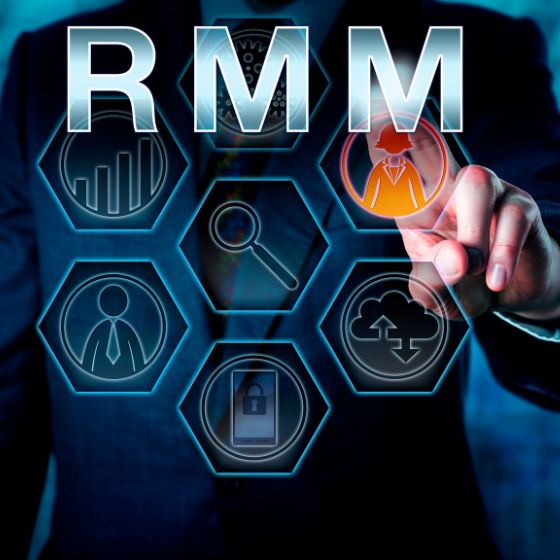
What is RMM?
At its core, RMM is a suite of IT tools used to oversee networks, endpoints, and computers remotely. It relies on lightweight software agents installed on your devices that report basic health and performance data back to a central dashboard.
Platforms like Syncro are widely used to deliver RMM services. While these platforms come packed with a wide array of advanced tools and add-ons, not every business wants or needs the extras. Instead, IT teams can focus on utilizing the core, practical features that keep day-to-day operations running smoothly without overcomplicating an IT setup.
The Core Benefits of RMM
Here is a look at the foundational ways platforms like Syncro are used to manage IT environments:
- Remote Support (No Desk Visits Required): When an employee runs into a computer issue, an IT technician no longer has to physically walk over to their desk to figure out what is wrong. RMM allows technicians to securely connect to the device remotely, see the screen, and troubleshoot the issue right then and there.
- System Notifications and Alerts: The software can be configured to send notifications when a machine is struggling. For example, if a computer's storage is completely full, or if it is running out of RAM and severely lagging, an alert is triggered. This lets IT teams know that a device needs attention so they can reach out and clear up the issue.
- Distributing Updates and Patches: Keeping operating systems and applications up to date is tedious if done manually. RMM enables the efficient distribution of necessary software updates and security patches across a fleet of devices without interrupting a team's workflow.
- Supporting Compliance: In today's regulatory landscape (with frameworks like HIPAA, GDPR, or NIST), verbal claims of security are no longer enough. Regulators want to see proof. RMM helps satisfy compliance audits by providing a verifiable record that systems are actively receiving security patches, tracking hardware inventory, and enforcing basic security policies like screen lock timeouts.
Final Thoughts
In a distributed work environment, managing IT manually across dozens of locations is simply impractical. Remote Monitoring and Management provides the essential tools needed to receive critical system alerts, distribute software updates, support compliance, and troubleshoot problems without ever needing to pull up a chair at your desk.
Stay tuned for the next episode in our Security & Compliance Excellence series, where we will dive deeper into updates and patch management.