
In the modern workplace, a single compromised password can lead to a catastrophic data breach. With regulatory requirements becoming stricter every year, businesses can no longer rely on insecure methods to manage their credentials. If your team is saving work passwords in their web browsers or sending logins to each other via chat, your company’s data and your compliance status is exposed.
Upgrading to a centrally managed enterprise password system like Keeper is one of the most effective ways to instantly upgrade your organization's security posture.

Password Management vs. Your Web Browser
It is incredibly common for employees to click "Save Password" when prompted by Google Chrome, Safari, or Microsoft Edge. It’s convenient, but from an IT and compliance perspective, it’s a massive security risk.
Browser-based password managers are designed for individual convenience, not enterprise security. They tie your credentials to a browser profile, which is vulnerable to malware specifically designed to scrape saved passwords from local hard drives. More importantly, browser managers give business owners and IT administrators zero visibility or control. If an employee leaves the company, you have no way of knowing which corporate logins they have synced to their personal browser accounts.
A centrally managed password system is a non-negotiable IT requirement because it moves your credentials out of vulnerable browsers and into a heavily encrypted, zero-knowledge vault. Systems like Keeper encrypt your data at the device level before it ever reaches the cloud. This architecture is foundational for meeting compliance standards (like SOC 2, HIPAA, and GDPR), providing the necessary audit trails and access controls that built-in browser managers completely lack.
Stop Remembering Passwords: The Power of True Complexity
The root cause of most credential-based data breaches is human behavior; specifically, password reuse. When forced to remember dozens of logins, employees inevitably rely on variations of the same weak password. If just one third-party site is breached, hackers will test that same password against your corporate email, CRM, and financial software.
The updated 2026 NIST (National Institute of Standards and Technology) guidelines explicitly emphasize the use of password managers so that users can generate incredibly long, unique passwords without the burden of memorizing them. You cannot reasonably expect a human being to memorize fifty unique, 20-character alphanumeric passwords. With a dedicated password manager, they don't have to.
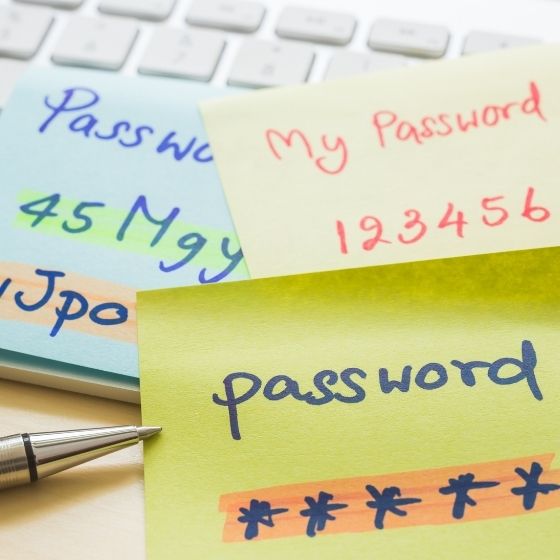
Instead of creating passwords themselves, employees use the system's built-in generator to create wildly complex, uncrackable passwords for every single account. The software securely autofills the login fields across all devices. The only thing your employees ever need to remember is one strong Master Password used to unlock their secure vault. It eliminates password fatigue while completely neutralizing the threat of password reuse and keeping you aligned with modern security frameworks.
Seamless Sharing and Ironclad Admin Control
In any business environment, shared accounts are a reality. Marketing teams share social media logins, accounting shares vendor portals, and departments share generic support emails. Traditionally, this meant sending passwords via email, Slack, or Teams, creating a permanent, highly insecure paper trail of your most sensitive data that violates almost every major compliance standard.
A centralized password manager revolutionizes team collaboration. You can securely share individual credentials or entire folders with specific team members directly within the platform. If a manager updates a shared password, the change syncs live for everyone else who has access. No more texting colleagues asking for the new login.
Beyond secure sharing, these systems give administrators total control over the company's security policies. From the admin console, your IT team can enforce strict rules to protect the business:
- Role-Based Access & Reassignment: When an employee leaves the company, an administrator can instantly revoke their vault access and securely reassign their work credentials to a manager or replacement, ensuring no data is lost and offboarding compliance is met.
- Company-Enforced Strength: Admins can set mandatory policies requiring all generated passwords to meet a minimum length and complexity.
- Mandatory 2FA: You can enforce strict Two-Factor Authentication (via authenticator apps or security keys) before anyone is allowed to unlock their vault.
- Forced Sign-Outs: To protect against physical snooping, admins can require the vault to automatically lock and sign out after a specific period of inactivity, ensuring that an unattended laptop doesn't lead to a compromised network.
Taking control of your company's passwords doesn't just make your network significantly safer, it provides the auditing, control, and reporting required to keep your business fully compliant and secured.
Stay tuned for the next episode in our Security & Compliance Excellence series, where we will dive deeper into the necessity of remote management and monitoring.